We’ve just launched new features to help you work smarter!
Check them now!
Prefer to speak to us about our approach to managing templates in SharePoint? Book a short call with one of our team to get answers to your questions.
Policies and controlled documents play a vital role in your organisation’s governance, risk, and compliance (GRC) strategy. In this article, we discuss Policy Creation, how by starting from a template and capturing the right metadata - we can make the rest of the process simpler.
Policy Express, our solution for SharePoint Policy Management, simplifies the entire lifecycle by automating key processes like approvals, publication, and compliance monitoring.
This series explores the key considerations at each stage of the policy lifecycle.
Prefer video? No problem, watch a short video on Policy Creation instead.
Utilising templates like Word Letterheads and PowerPoint Sales Proposals is essential for maintaining consistency in document creation. They help enforce branding guidelines, ensure legal compliance, and reduce friction for employees.
We can extend the definition of templates to include forms such as Incident recording and Health and safety inspection forms. Forms such as these will often form part of a quality process (ISO:9001) – and therefore naturally require a greater level of control.
The challenge is that many organisations struggle just to keep the copyright year up to date on their legal documents and PowerPoint templates – but when you add your new corporate identity or when Microsoft quietly ushered in change by retiring the default Office Calibri font to the new Aptos font, you very quickly have a recipe for organisational-wide inconsistency.
SharePoint offers a centralised way of working, and this extends to Microsoft Office templates too. They can be easily stored and retrieved, but there is more than one way of doing this.
Templates Attached to a Document Library
You can set a template for a specific document library in SharePoint. This is useful for a self-contained team or a specific use case, such as a contract management system.
However, this approach is not scalable for the whole organisation, as you must deploy the template to every document library that needs it.
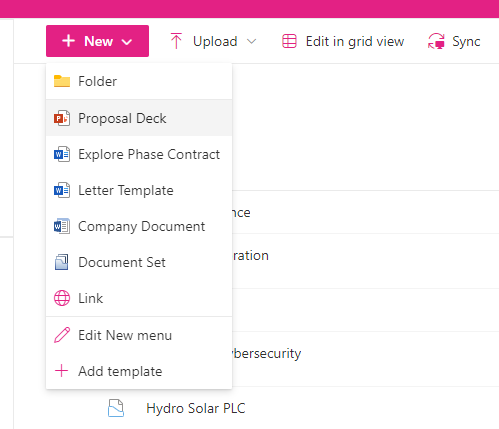
Modern Templates
A more recent addition to document libraries is the “Create Modern Template” option, part of SharePoint Premium (previously Syntex) – this paid-for option helps you create documents where you want to prompt the user to complete the field or take that data from metadata. Again, this works in specific use cases in a single document library – but not organisation-wide.
Organizational Assets
We know that the learned user behaviour is that people like to start office documents in their desktop apps – not where they end up saving them. That is based on a history of using file servers rather than SharePoint.
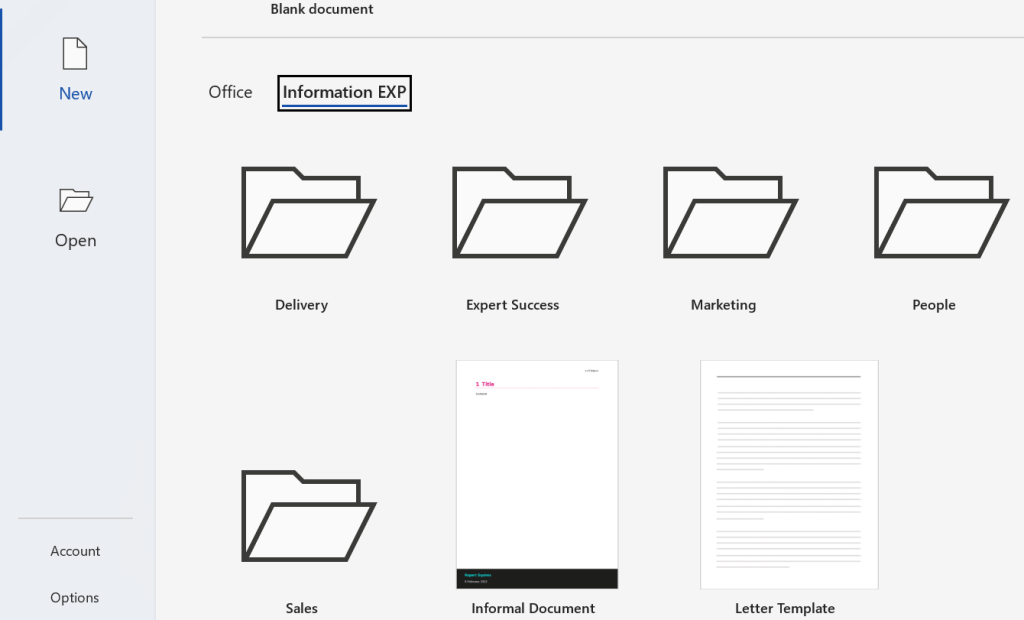
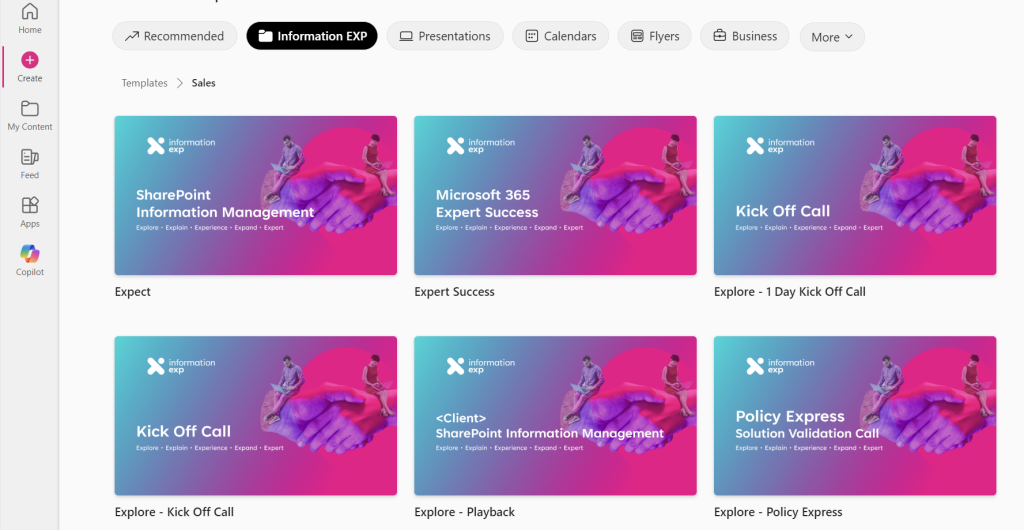
What Organizational Assets allows you to upload your Word (.dotx), Excel (.xltx), and PowerPoint (.potx) templates to a document library and then publish those so they appear in Office Desktop apps as templates. PowerPoint Online in the browser is also supported, although Word Online and Excel Online are not currently supported.
What Happens When You Open an Office Template from SharePoint?
It depends, and there is no consistency here, most of the time you will want to start a new document based on the template.
Only the final option gives you the desired outcome, as you can see this inconsistency shows that this is not the answer to working with templates.
A key limitation that we need to work around is that the entire organisation will use a single site for their assets – so we need to consider how to use folders and permissions to manage templates.
Policy Express, our solution for SharePoint Policy Management, enhances template management by streamlining approvals and ensuring periodic reviews.
A sample structure using folders to aid the employee experience and help with template governance is below.
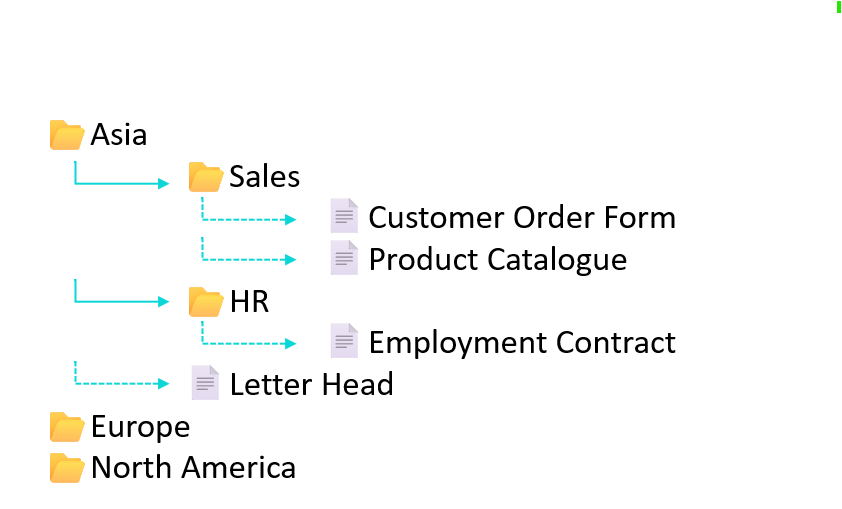
By using security groups, we can ensure that the right templates are only accessible to the right people. You could create a flatter structure by putting permissions on the templates themselves, but from a management perspective setting permissions on folders is recommended due to the ease of maintenance as well as user experience.
Policy Express is a Microsoft 365 SharePoint solution that helps manage templates and forms that benefit from an approval process, an audit trail, and that require periodic review. Ideal for meeting compliance requirements.
Configure Organizational Assets in SharePoint.
If You Need Help Managing Your Templates:
See how Policy Express can streamline your policy creation process and enhance your governance framework in this short explainer video.