We’ve just launched new features to help you work smarter!
Check them now!
Ensuring policy compliance is no small feat. Awareness, testing with attestation, and findability all play crucial roles in embedding a policy’s rules within your organisation. In this article, we explore how Artificial Intelligence can support a controlled document environment where accuracy is paramount.
Prefer to speak to us about our approach to Policy compliance? Book a short call with one of our team to get answers to your questions.
Why It’s Important
We, as employees are often required to attest to policies as part of compliance requirements, but this process can become a checkbox exercise, where attestations are freely given without full understanding. The impact?
How to Use AI to Gamify Policy knowledge.
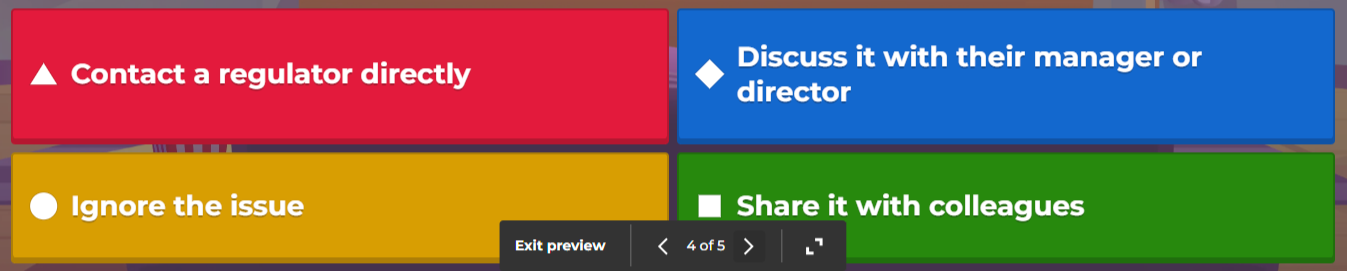
Gamifying policy knowledge helps make learning more engaging and memorable. Tools like Kahoot are excellent for creating quizzes in a group setting, where questions are displayed on a screen and participants answer via personal devices, with results shown in league charts.
You can quickly create an XLSX quiz file from a policy for Kahoot. While tools like Copilot and ChatGPT can’t generate Excel files directly, they can generate structured content for easy cut-and-paste into a template.
In this example we’re using the free version of ChatGPT:
1. Attach your policy files to the query
2. Use the following prompt
3. Cut and paste the output into Excel
4. Upload to Kahoot.
Copy this prompt:
Create an Excel file for a quiz with the following format based on the attached file. The field order is: Question, Answer 1, Answer 2, Answer 3, Answer 4, Time Limit, Correct Answer. Questions have a limit of 95 characters Answers have a limit of 60 characters Each question must have at least two answers Allowable time limit (sec) values are: 5, 10, 20, 30, 60, or 120 Set which answers are correct by listing answer numbers separated by commas (e.g. “1” or “2,3”).

How to Use AI to Create a Formal Test
A similar process can be applied to Microsoft Forms for a more structured and auditable method of quiz creation. Here’s how:
The following formatting rules apply when importing a quiz into Microsoft Forms.
So given that, let’s create a quiz using Copilot, the same approach can be taken in ChatGPT.
1. Attach your policy files to the query
2. Use the following prompt
3. Cut and paste the output into a Word Document
4. Upload to Forms
Copy this prompt:
Create a quiz of 10 questions with up to 4 answers and up to 3 correct responses based on the attached document. List the answers at the end of the text
Why It’s Valuable
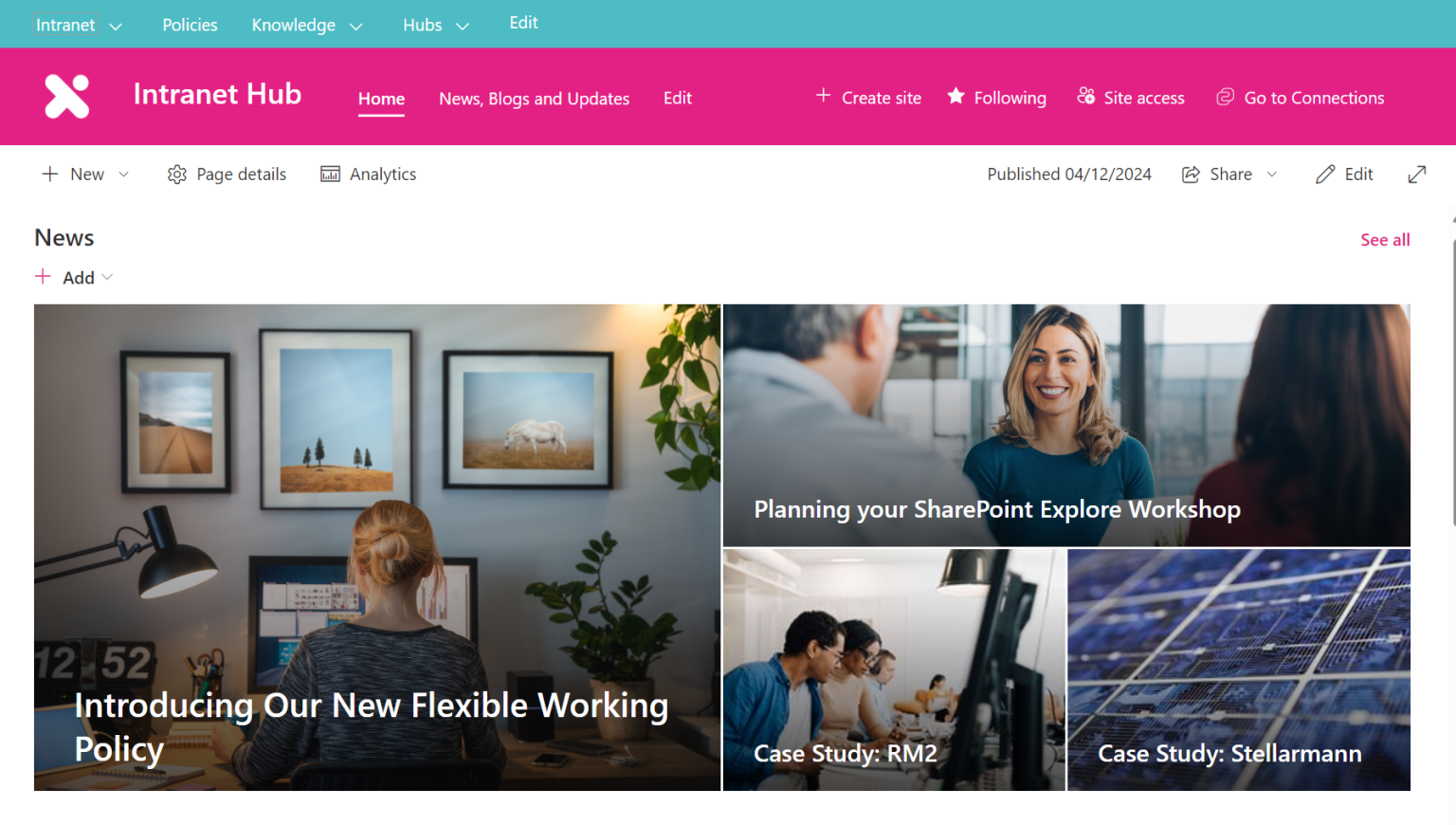
Publishing policies in a Policy Hub provides employees with a centralised, reliable starting point to find necessary documents. However, it’s equally important to highlight context, such as what has changed since the last update or the reasons behind a new policy introduction.
SharePoint News Posts offer a great solution for this:
Promoting a New Policy
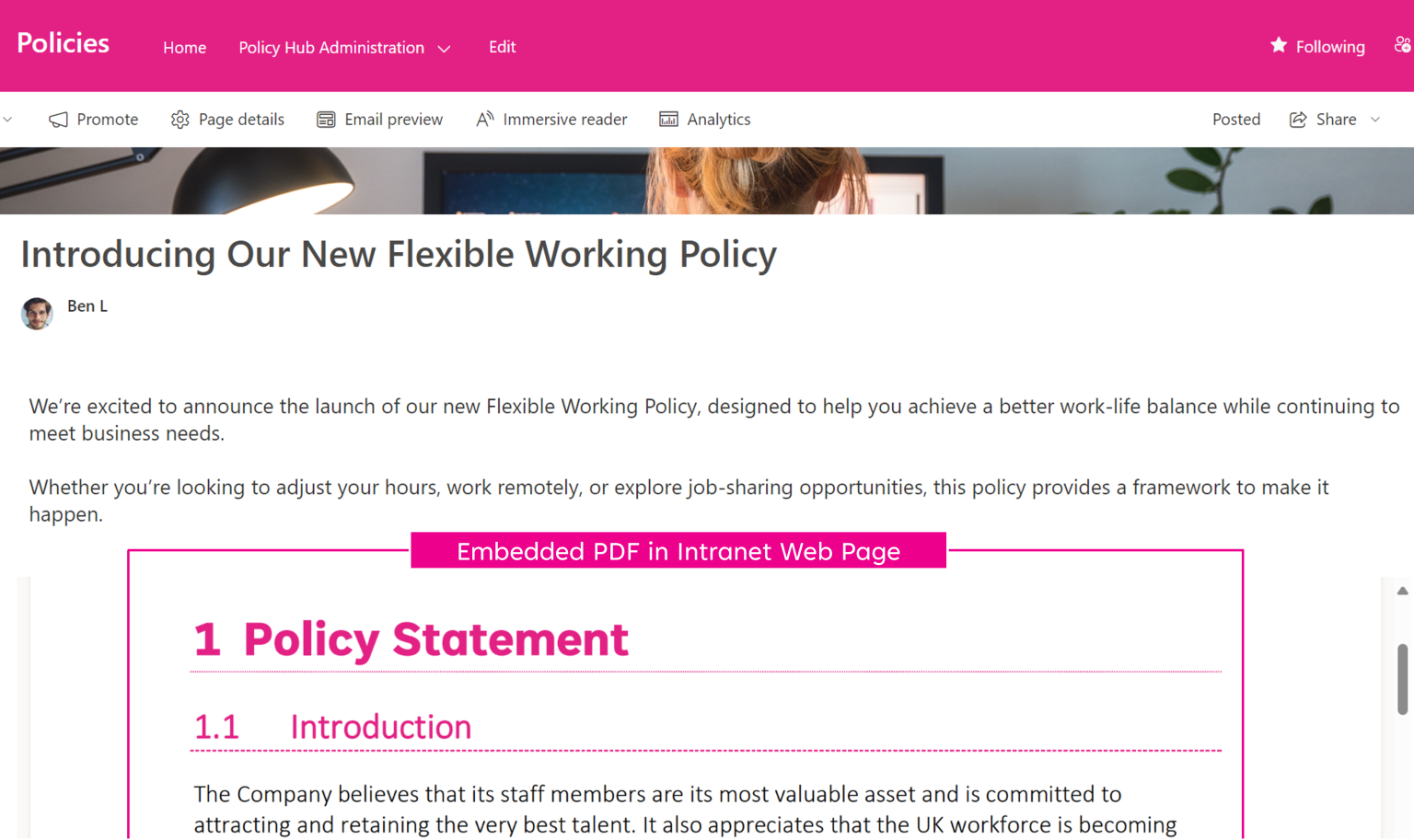
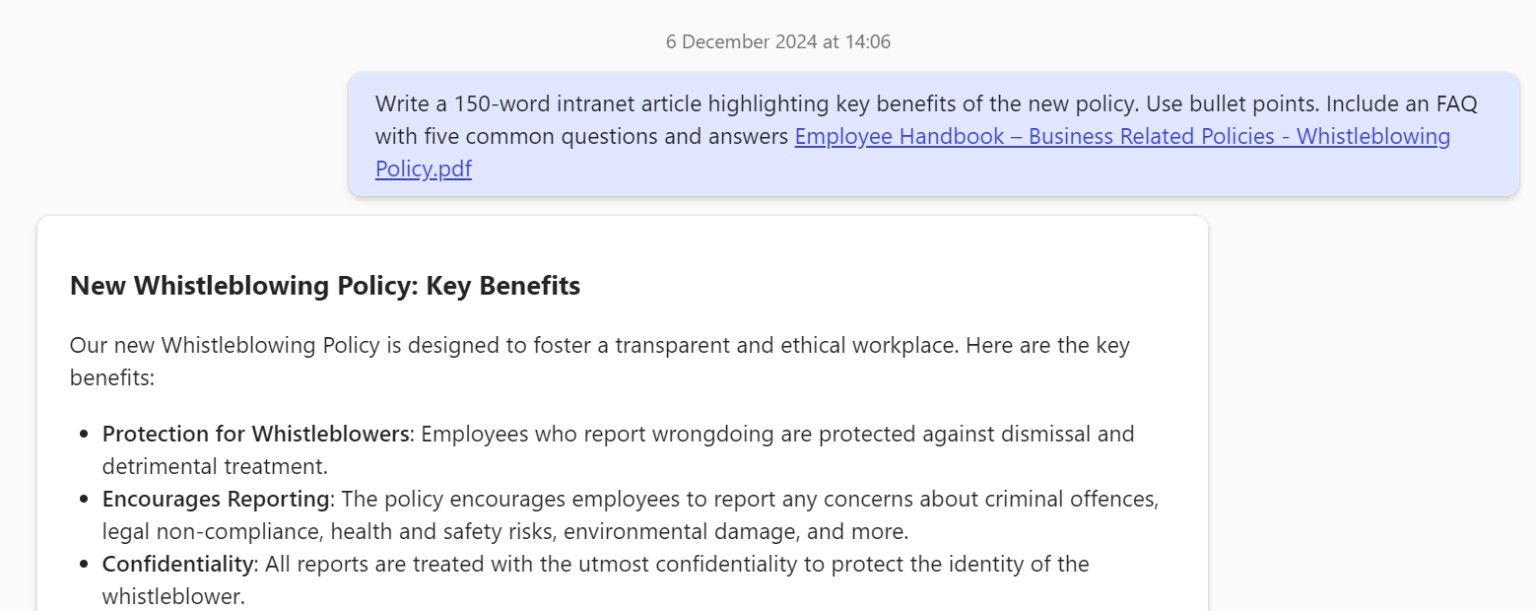
Both Microsoft Copilot and ChatGPT offer the ability to reference content from documents – you then can consider a prompt such as this:
Please write a news article for my company intranet which explains the key benefits of this new policy in no more than 150 words, and you may use bullet points. Also include an FAQ with 5 questions.” <<Word File>>
Promoting Policy Changes
Due to the way that AI works, comparing two versions of a document does not consistently give a good quality result and is subject to “AI Hallucinations”, that is, reporting differences that don’t exist.
A better approach to this would be for the policy author to highlight the changes and use AI to turn it into a story.
Why It’s valuable
A ChatGPT-style interface can transform how employees access policies by enabling natural language queries, enhancing accessibility and user experience. Key benefits include:
Considerations:
When we consider AI Chat from a Policy Management point of view, we need to review a few considerations:
How – Microsoft 365 Copilot Agent
If you have Microsoft 365 Copilot licences for all users or if you’re willing to purchase Microsoft 365 Copilot Agent credits – you can create a Copilot Agent.
It’s worth noting that for this to be successful you need to follow best practice and separate out your published policies from your working documents – ideally into separate Document Libraries.
How – Azure AI with SharePoint Interface
Very much the bespoke option, and one that requires development, but in our experience yields the most accurate results and enabled the creation of a “use-case specific” user interface.
To Clients of our Policy Management Solution, Policy Express, we offer this as part of our Success Service with the only additional fee being the Azure consumption costs.





.jpg)